There are several ways to access Blippa through APIs:
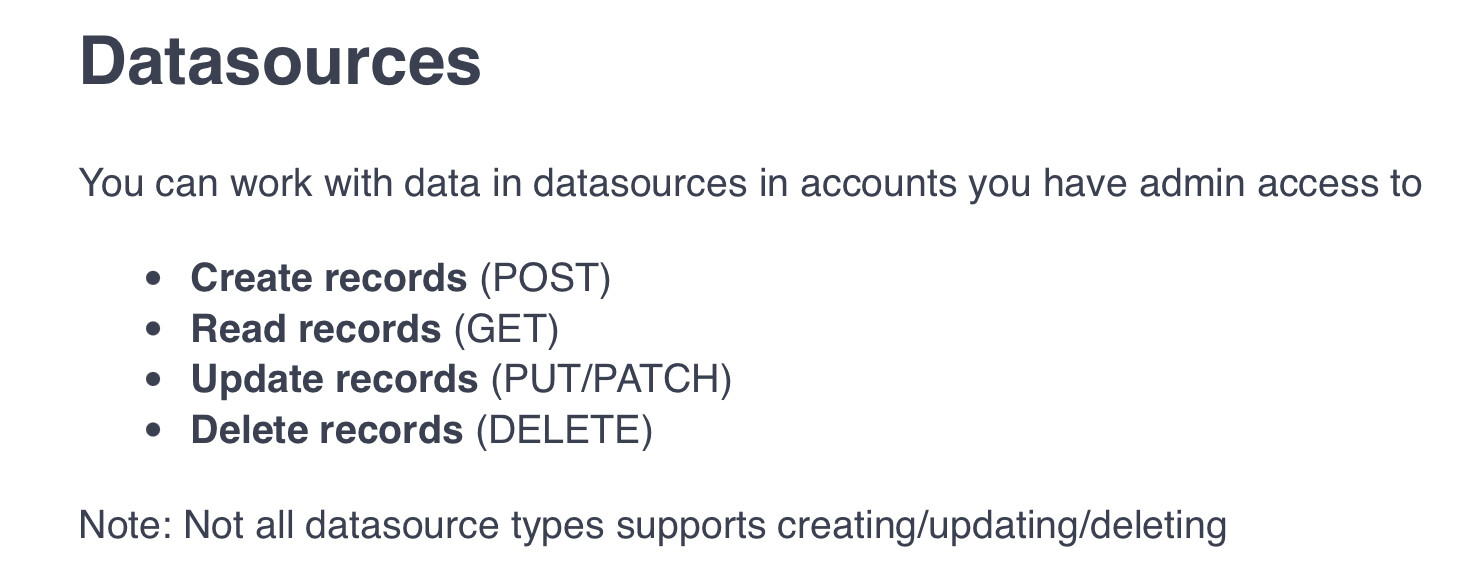
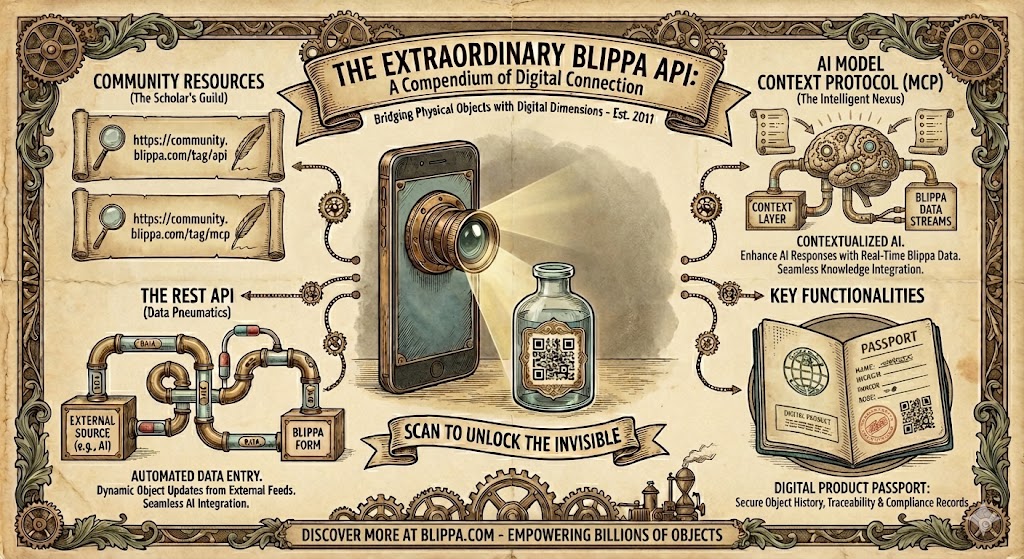
- The native api (https://api.blippa.com) allows create/read/delete/modify of Blippa objects.
- Enabling API on a Form makes it possible to input data that can enter the flow with Actions, Send to etc.
- The recently released Blippa MCP that adds Blippa into AI apps like ChatGPT, Claude and AI agents.
Now, we have added the option to access some Blippa Data Sources as databases through the standard API.
Example: A Blippa customer has several factories that are producing thousands of products per day, each equipped with a Digital Product Passport QR code.
With the new API capability, the factories can generate the QR codes themself, without any interaction with the Blippa system.
The list of generated QR code URLs, together with additional data like ”Production Date”, ”Inspected by” etc, can now be sent to api.blippa.com to be stored in a Blippa Data Source.
This data can then either be used to automatically create the objects in Blippa, or be used as a validation if the objects are set to be created on first use (preventing fake serials etc),
Besides supporting the native Blippa Data Source database, the api also supports create/delete/modify of data in connected Google Sheets and Microsoft Excel files.
With this api enhancement, it it also easier to allow various AI systems to easily integrate with Blippa in a standardized manner.
Note: You need to create an API user with ADMIN role to be used when accessing the API.
Screenshot