Being a non-programmer prevents me from doing miracles.
But, there are small challanges that I can now ovecome using AI.
Example: My SPA stopped working due to a circuit failure.
And since it is placed a long way from our house, any problem might go unnoticed.
But the SPA has a Blippa page, used for documentation and problem reporting.
What if I could get the data from the SPA into the Blippa page?
As it turns out, there is a cloud API for my SPA.
So, I used the Claude plugin in Chrome inside Labelsadmin-Data Sources-Rest API and prompted:
Create a REST Datasource for my SPA. See Arctic Spas Public API
API Key=XXXX
Voila! A new REST datasource was created, exposing all data from the SPA as regular variables.
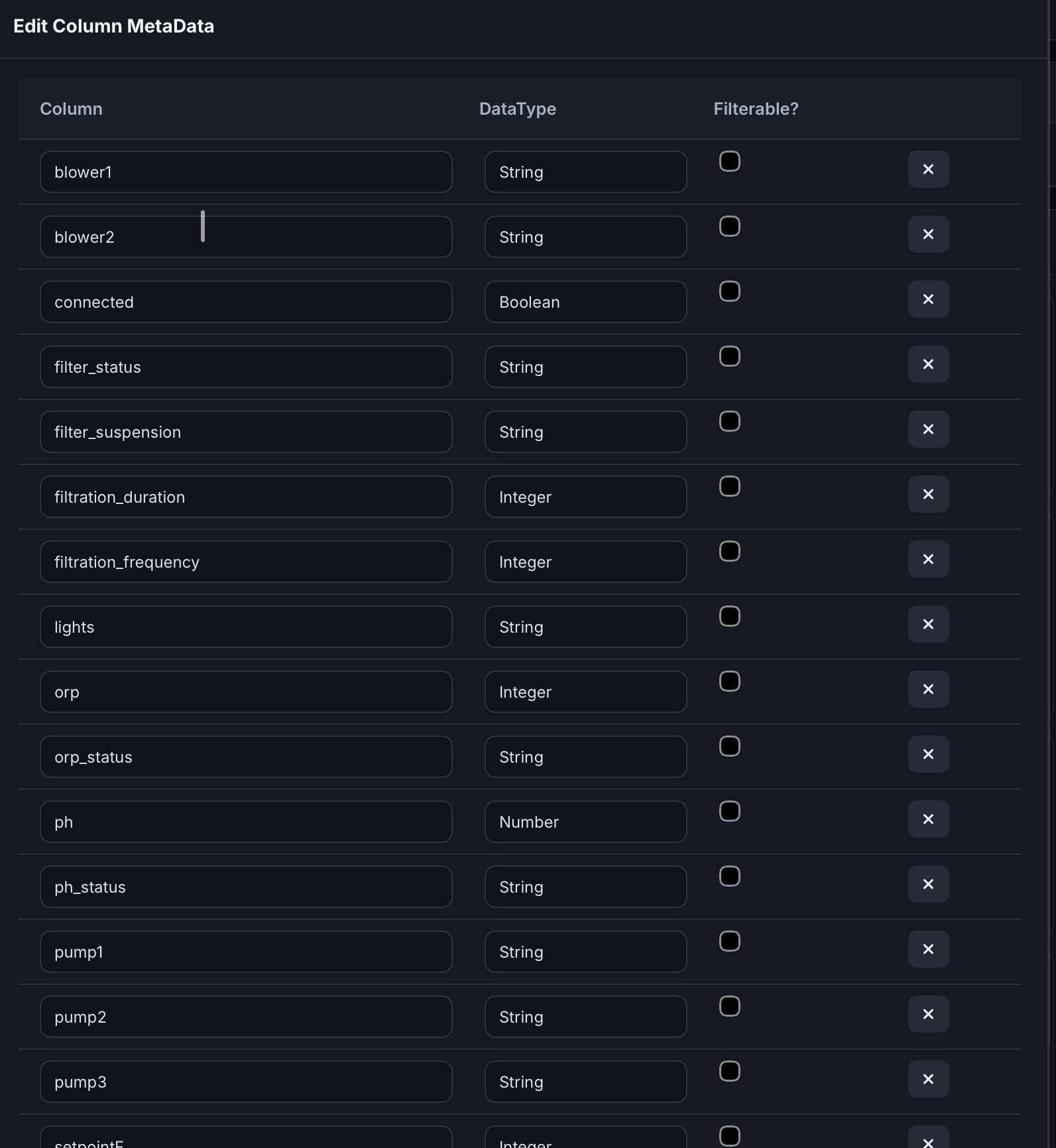
…so I could invoke the data in the Blippa page:
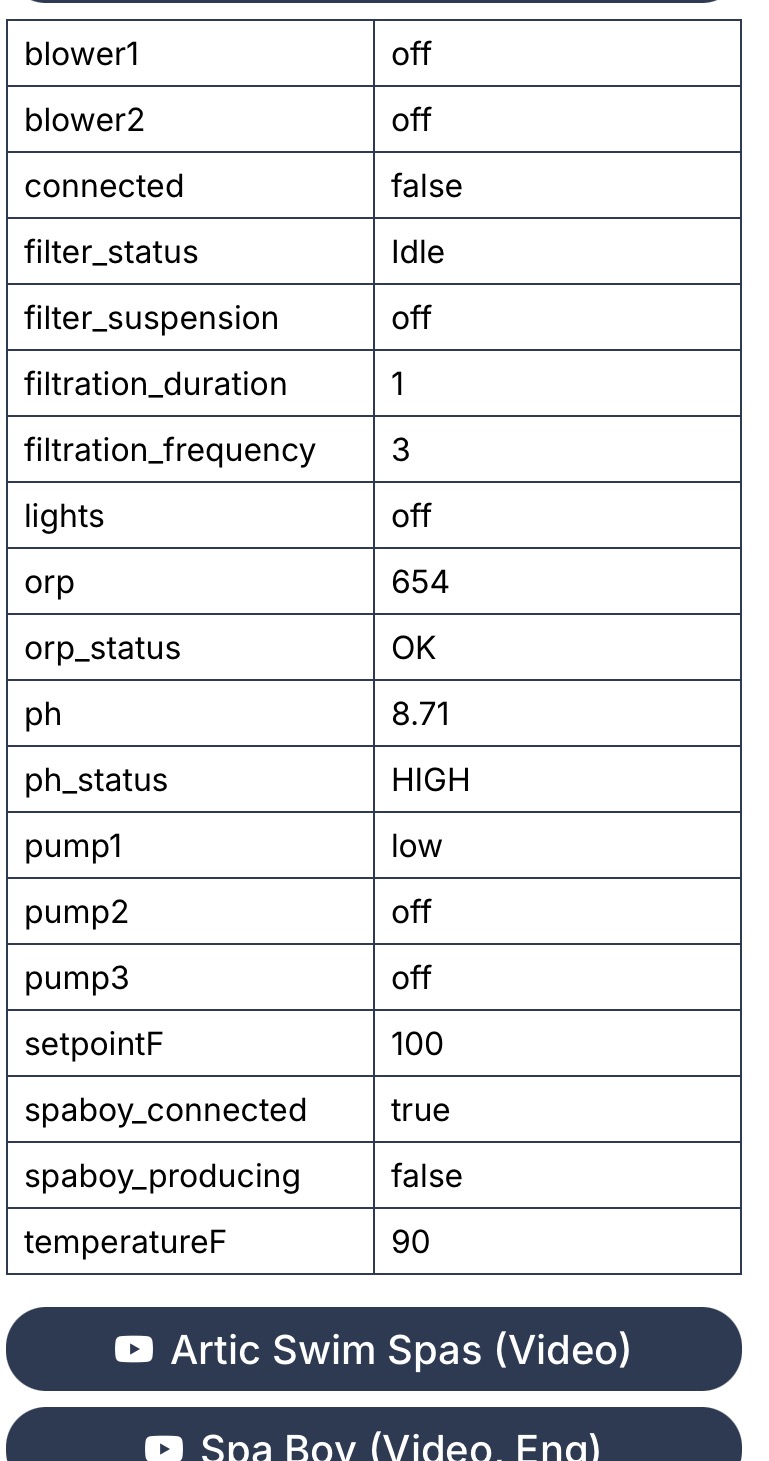
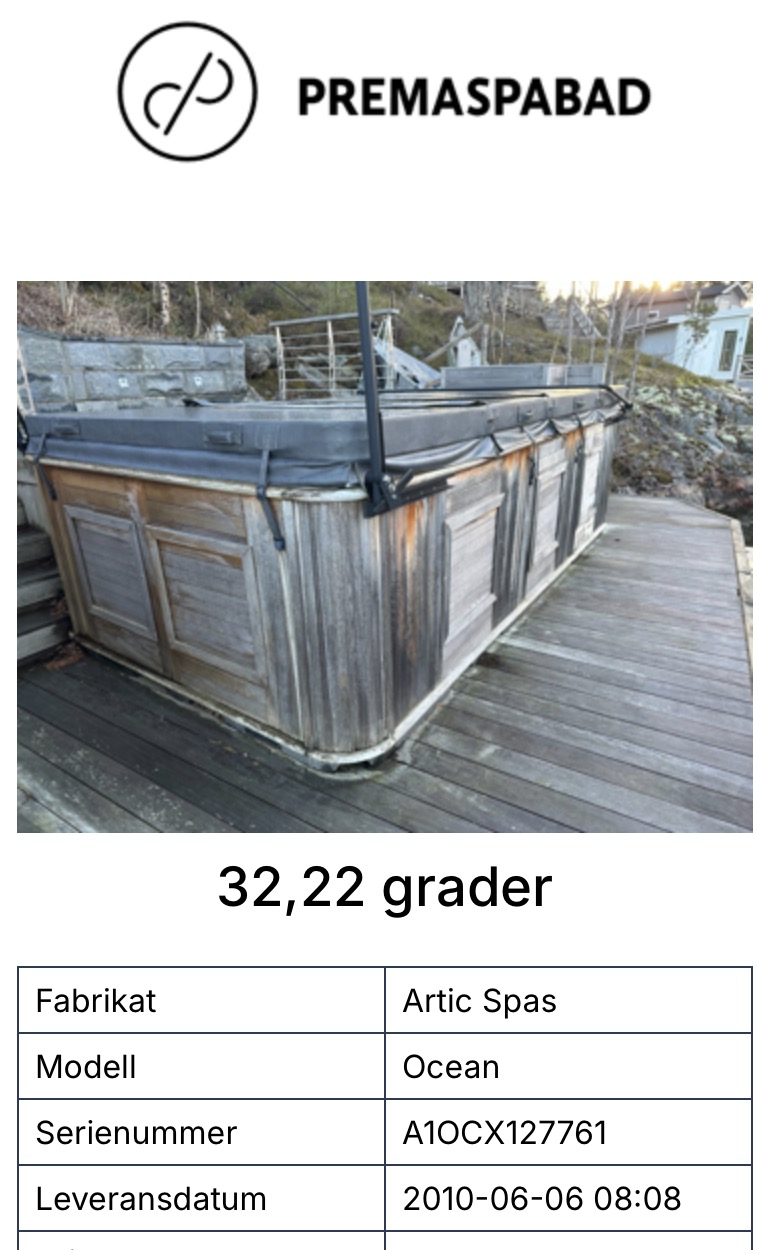
The only problem was that the temperature was in Fahrenheit, not Celcius,
And since Claude did not know what system Blippa is using for converting data, I had to ask a developer to fix it (using a “Computed Field” that creates a new variable)
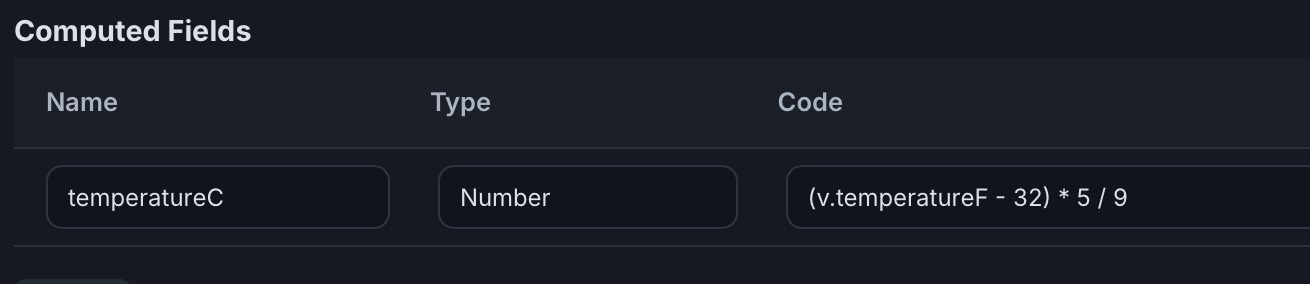
So, now I can check the SPA without even getting out of bed
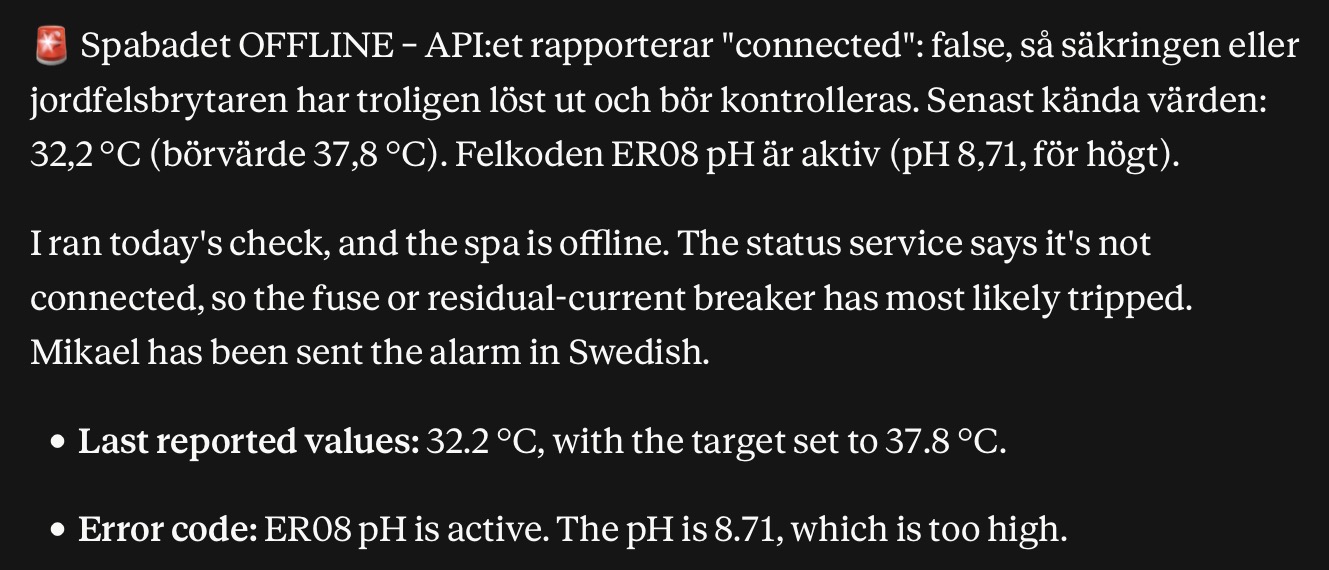
And yes, I added a scheduled activity on Claudes suggestion, checking the SPA temperature every morning. If the SPA temperature is low or not responding, I will get a notice and can fix it before it freezes and the ice destroys the SPA.
I can also use the Arctic Spa app but what’s the fun in that?
Compared to pretending to be a programmer!!!