When working with the Blippa DPP system, you are somewhat limited in the look&feel along with what functions you can use.
As a technical experiment, we have now added some features to try out.
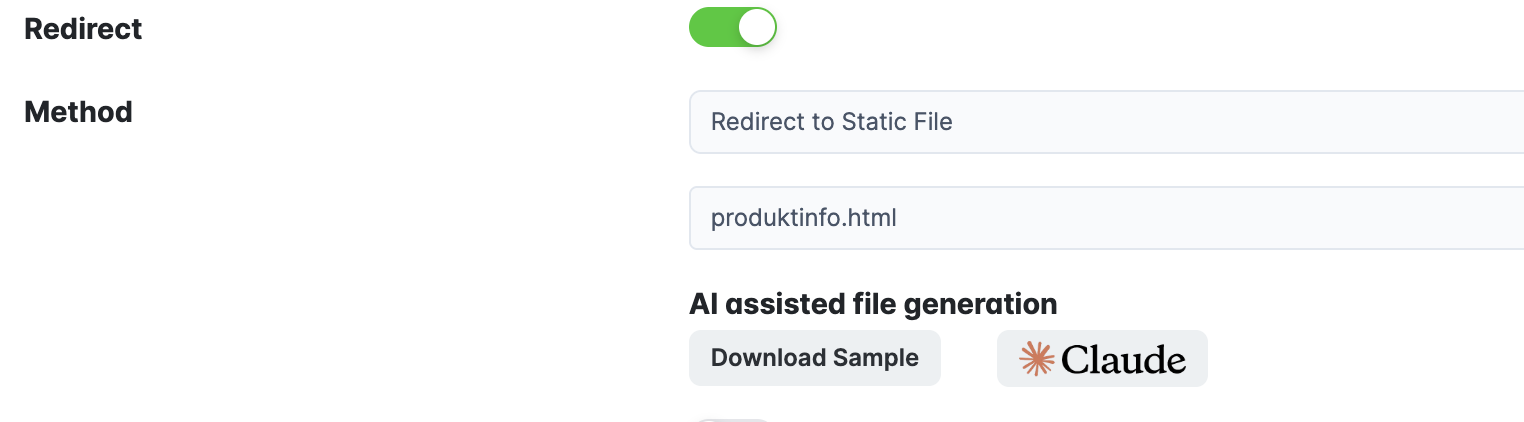
When editing an object (or template) in Labelsadmin, you can now use the “Redirect to Static File”.
When enabling this, you can first download a sample file. This file contains the object variables and some clues to the AI on how to use them. The Claude button opens Claude (Desktop only) with a prompt. Attach the downloaded sample file to Claude and refine what claude shall build.
Upload the result (generated by Claude) as the static file in Blippa.
When you open the object URL, the static file will be used as the template instead of Blippa.
But with variable values from Blippa.
Example : Produktinformation
Pros: You can build almost anything.
Cons: You cannot use any of the Blippa functions; you have to develop your forms, etc with the help of your AI (or manually).