Each object has a hidden value that indicates which template was used to create it.
The plan was to make an auto-update feature when functions, etc., were added to a template.
That has not been made so far (all created objects must be updated through the Objects-Action-Apply Template).
The downside is that the “Create/sync objects from Template” uses the template value to just update the objects that were created using the template. Not any other objects…
So, if you have been using a template and then created a new template, the “old” objects will not sync.
To address this, we developed a new setting that allows you to see the template connected to each object. (Labelsadmin-Objects-Settings-template).
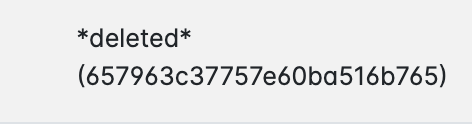
Select the objects that are missing a template or objects that are connected to a deleted template.
Then, use Action-Appy template. Select the template and check “Apply Template Id”.
After the update, run the “Create/sync objects from Template” again.