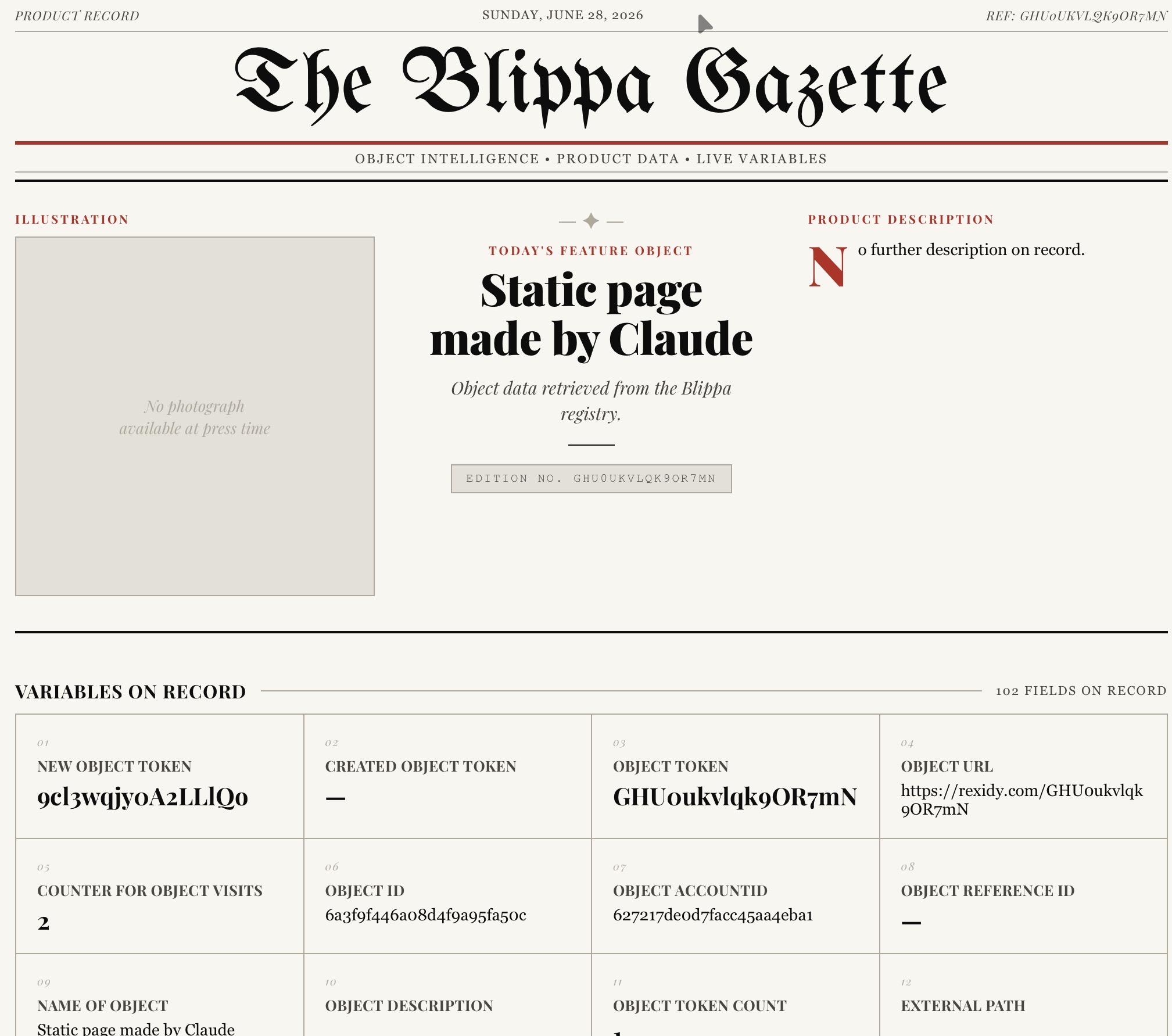
This week, we made a hack: The “Redirect to static file” feature.
With this, a Blippa object can open up a static page instead of the Blippa object itself.
The downside is that all the fabouls Blippa features and functions cannot be used, so what’s great about this???
Well, the static file can use the Blippa variables, displaying product information etc.
And, by giving a sample html page to an AI app like Claude, it can figure out how to make fabolous html pages.
Just upload the new html file to Blippa and redirect an object to the file!
I tried this myself, since I have never been able to write a single line of code.
I downloaded a sample file from Blippa, uploaded it to Claude and asked Claude (regular Claude, no need for Claude Code):
“make a modern looking web page that uses data from variables. See this example. Make it look like a newspaper”.
Claude made a html file for me, so I uploaded the file to Labelsadmin-Files, created a new object and set the Redirect to the file.
And it works!
Since the object does not have any variables, the html file only uses standard variables, like user name etc.
You can try this yourself by downloading my html file and give it to your AI.
Conclusion:
The static file redirect liberates designers to use any design and framework in Blippa, while still maintaining Blippa features like proper GS1 Digital Links, QR label generation etc.
Also, it is possible to use all supported Data Sources and Integrations for the data needed inside the html file rendering.
Next steps:
We are going to add a function that allows you to download a instruction set to your AI, describing all the object variables and how to use them.
Perhaps also instrruct the AI on how a form submit shall be made etc.
Here is my file (made by Claude).
Claude_staticobject-newspaper.zip (5.0 KB)
Unzip the file and use it to teach your AI how to make your own file.