The Blippa system is great for creating problem reports for equipment like printers, coffee machines etc.
In Blippa, it is easy to create a Form to report any problem and have the form to send an email to a support mailbox.
The downside is that all problem/error reports will be sent from the system mailbox, not the mailbox of the person who fills out the form…
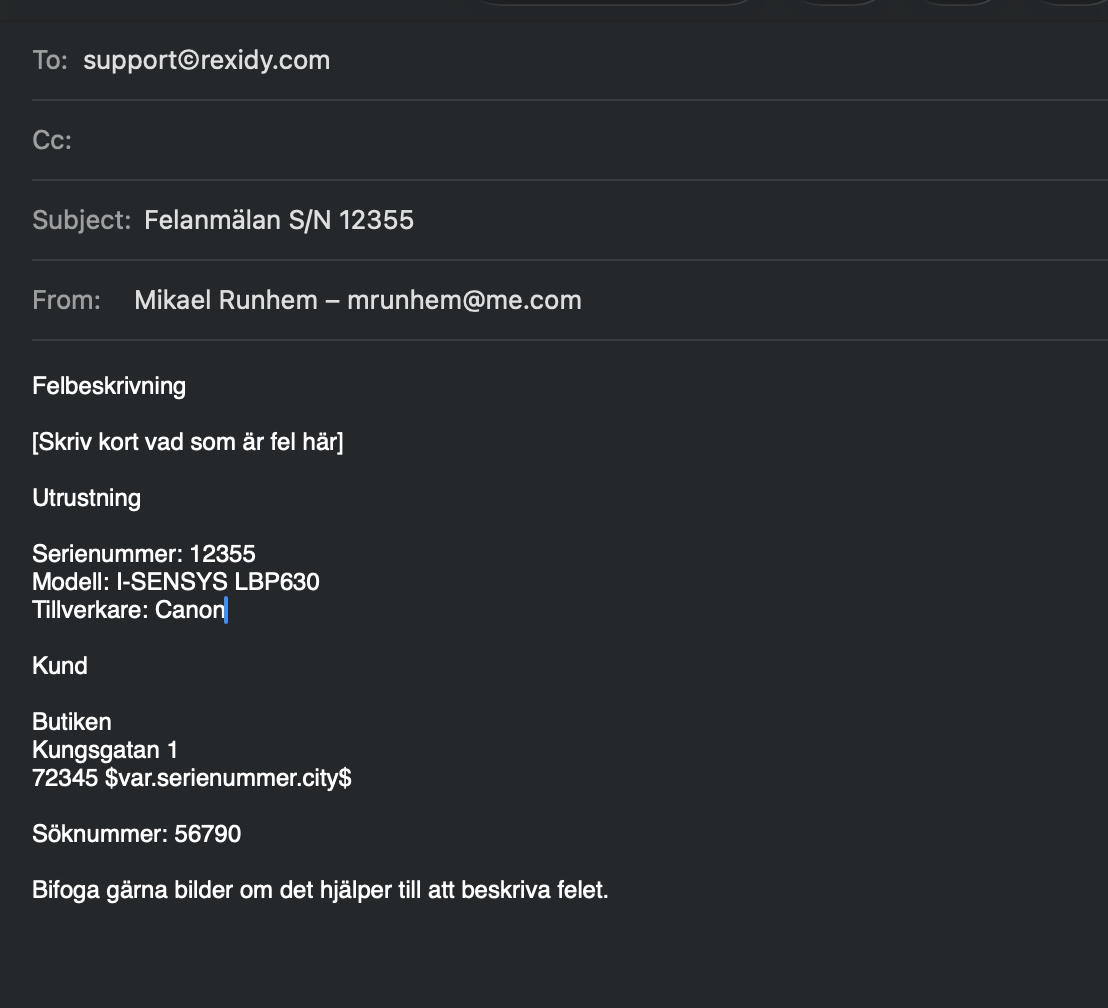
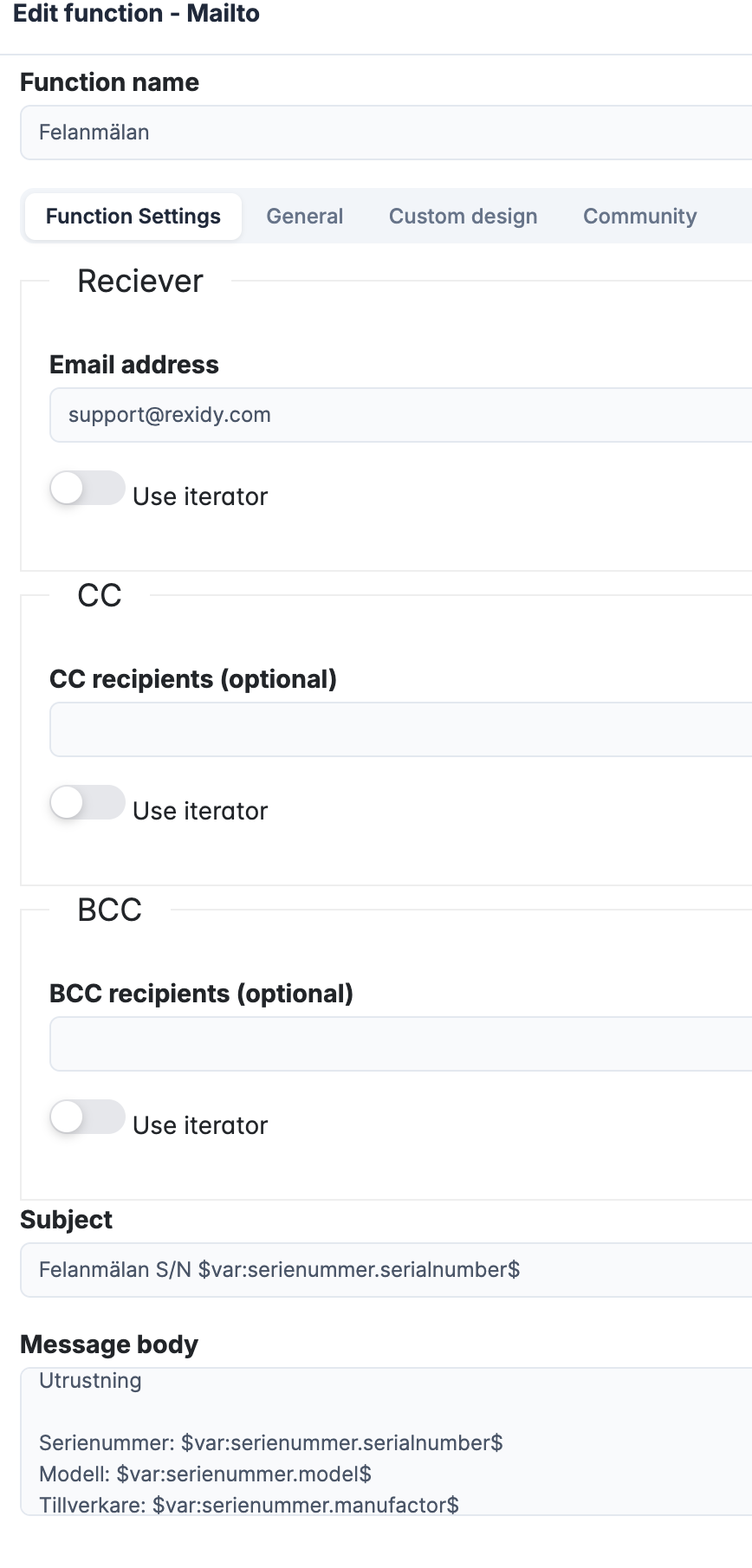
But Blippa also offers another option: instead of using Form, the MailTo function lets you create an email with pre-filled options like the recipient, subject, and email body.
This way, the user sends the email!
The downside is that you can’t use any intelligent form functions.
The upside is that you can include values like serial number, location, etc. in the email using Blippa variables!
(The best approach is to use Form with one of the Blippa Integrations to send the problem/error report directly to the helpdesk system. But in some cases, this cannot be done, and then this might be a good-enough solution.)
Sorry for the Swedish text in the screenshots, but you get the idea