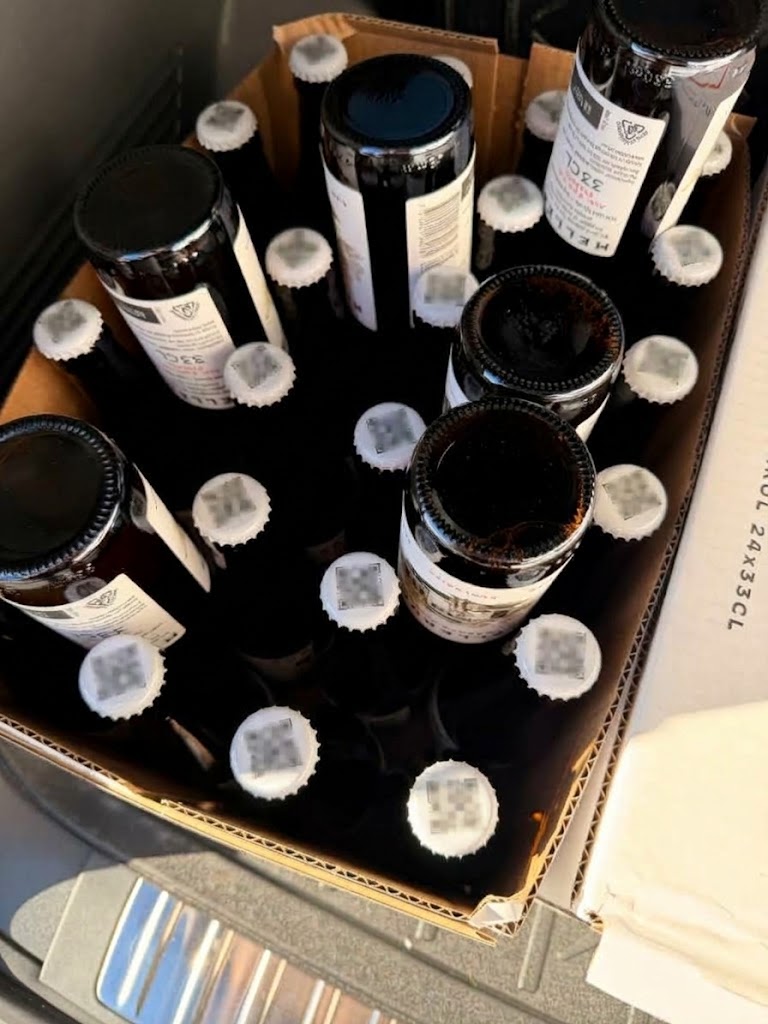
Usecase: For a partner event, there was a need to make a sort of lottery, using beer bottles.
Solution:
- 150 blippa objects were created.
- A variable “winner” was applied.
- When an object with winner=1 is opened, the embedded spinner knows it shall spin to “WINNER”.
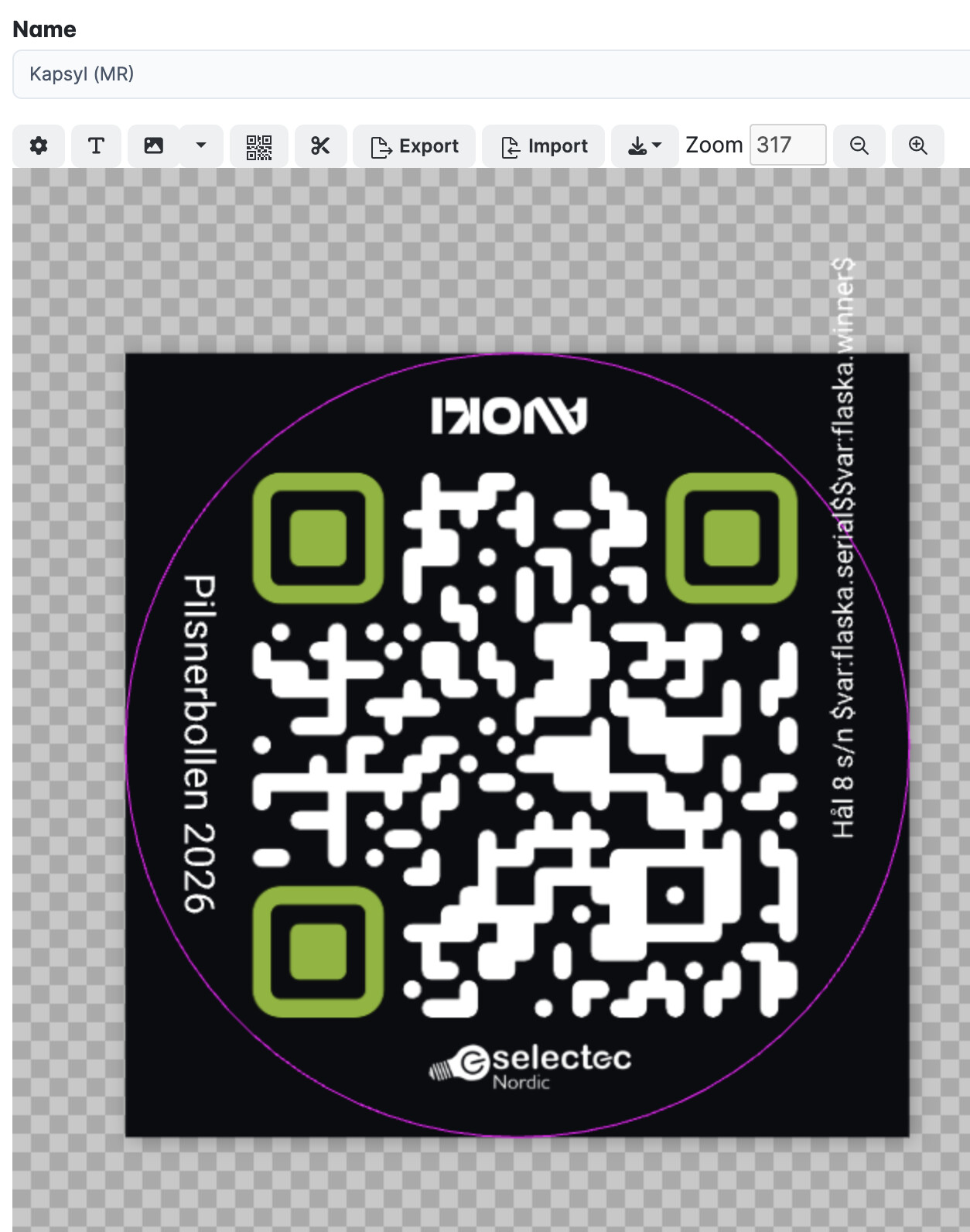
(and objects without winner=1, the spinner will show “No win” - I created a round label (20mm in diameter). (In the label we added some variables. like the bottle number, to be printed on the label.
- Then, I selected all objects, Action-Download labels.
- As for the label, I selected the new, round, label and the Stixcut output format. (3mm margin).
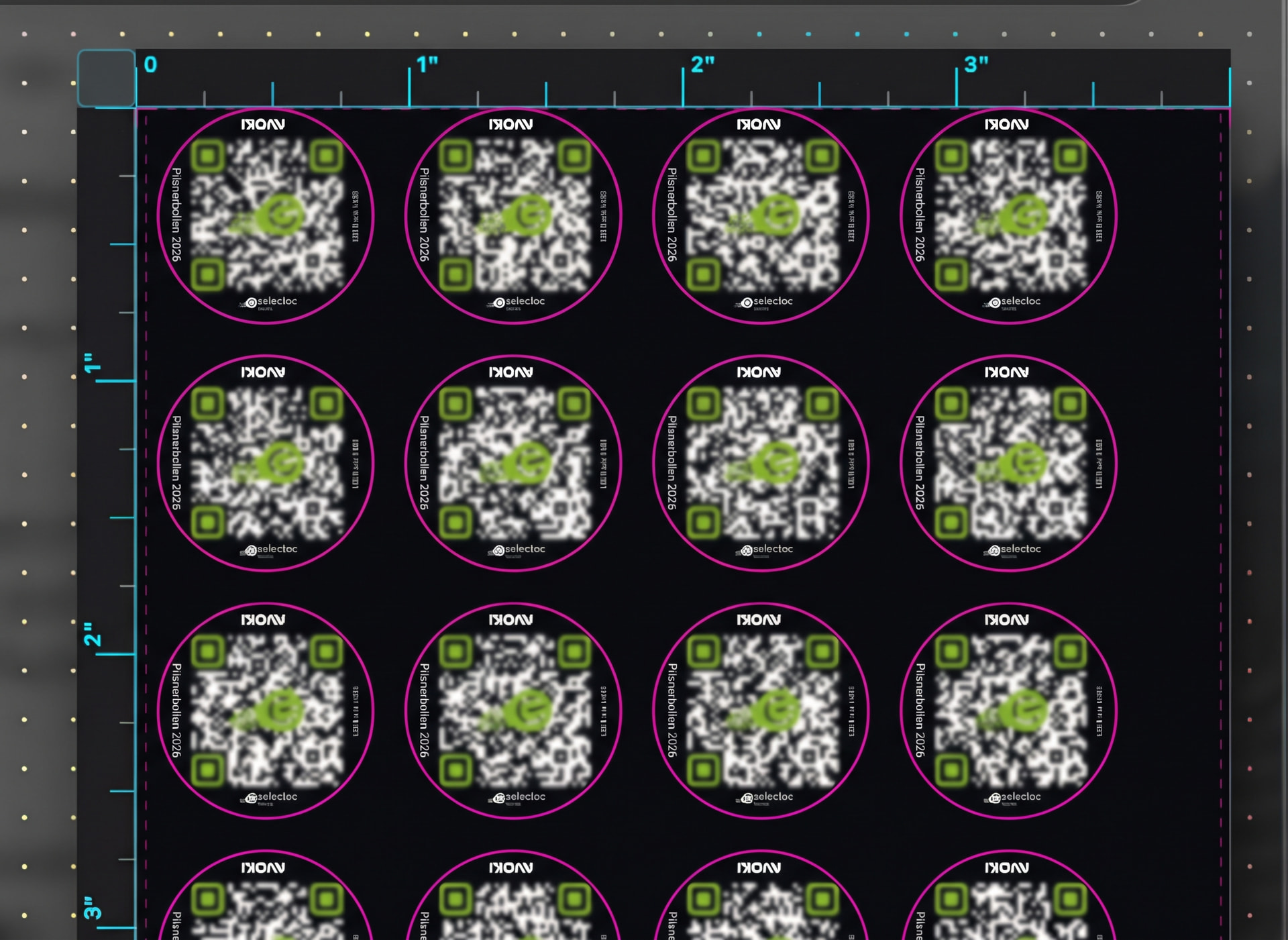
- After downloading the label file (and unpacking the six different pages), I opened each page in Stixcut.
- In Stixcut, I moved the labels more to the center of the page in order not to cut close to the edges.
- Also in Stixcut, I changed the background to black: This is important because sometimes the cutting knife makes a small error, resulting in a white edge… Making the background black removes this problem.
- From Stixcut, I printed the labels on my Liene Pixcut S1.
The labels works great, even though they are very small, the green logo distorts the QR code etc!