Working with labels/stickers is central in most Blippa projects.
Until now, Blippa has only been able to produce PDFs or image files for sending to a printing company.
And, doing just a few custom stickers is not something they are that interested in..
(Yes, there are many companies like Stickerapp that do small print jobs, but they cannot accept pre-made PDFs with cutmarks, everything needs to be make using their own editors..)
A couple of months ago, I purchased a new printer, the Liene Pixcut S1.
It can make stickers up to a postcard size and also cut (!).
It´s primary target group are home users, hobbyists etc.
But the print quality is great!
So, could we use it for making prototype stickers/labels directly from Blippa?
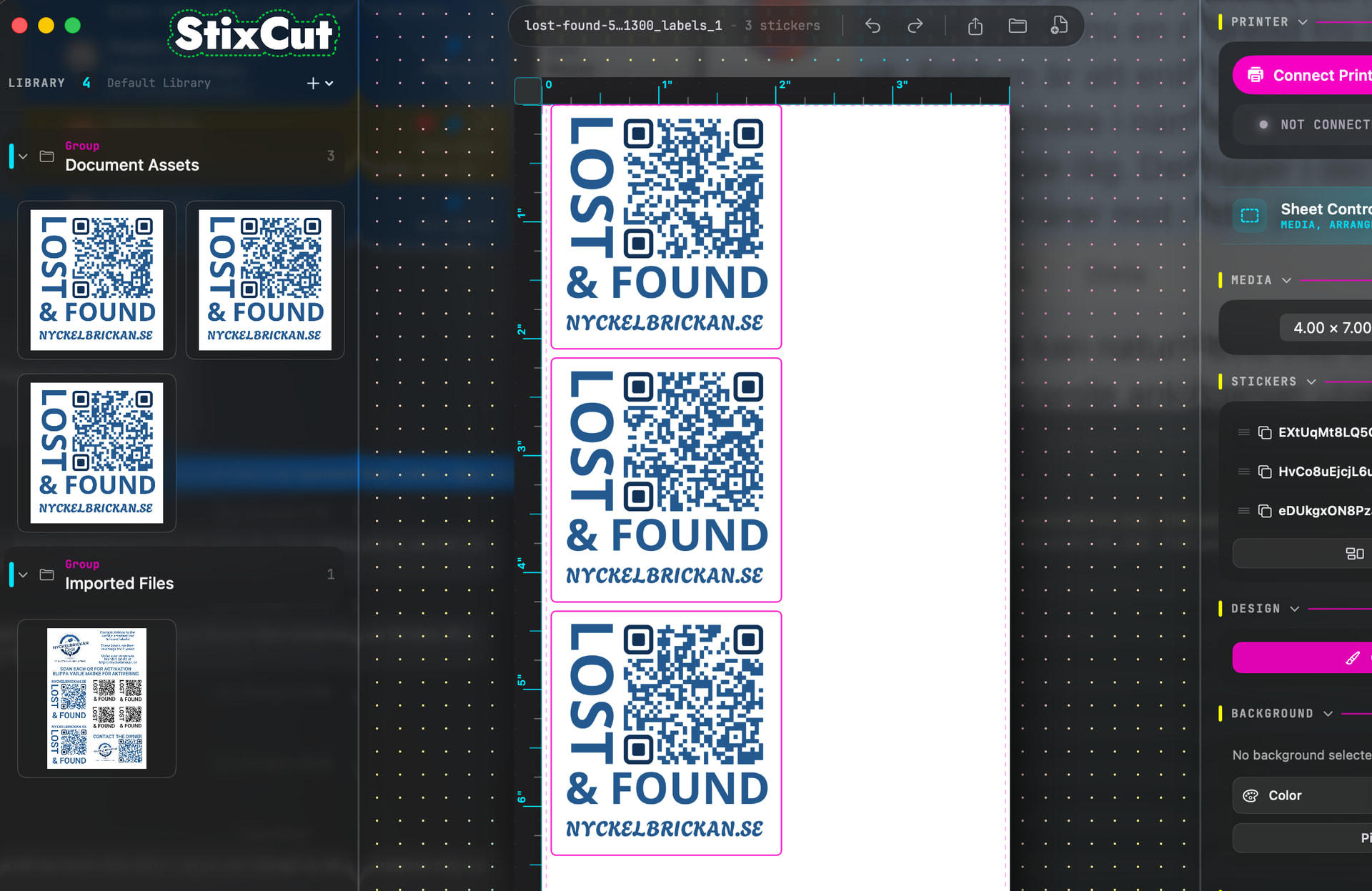
Well, there is a great standalone software program, StixCut, that makes this possible.
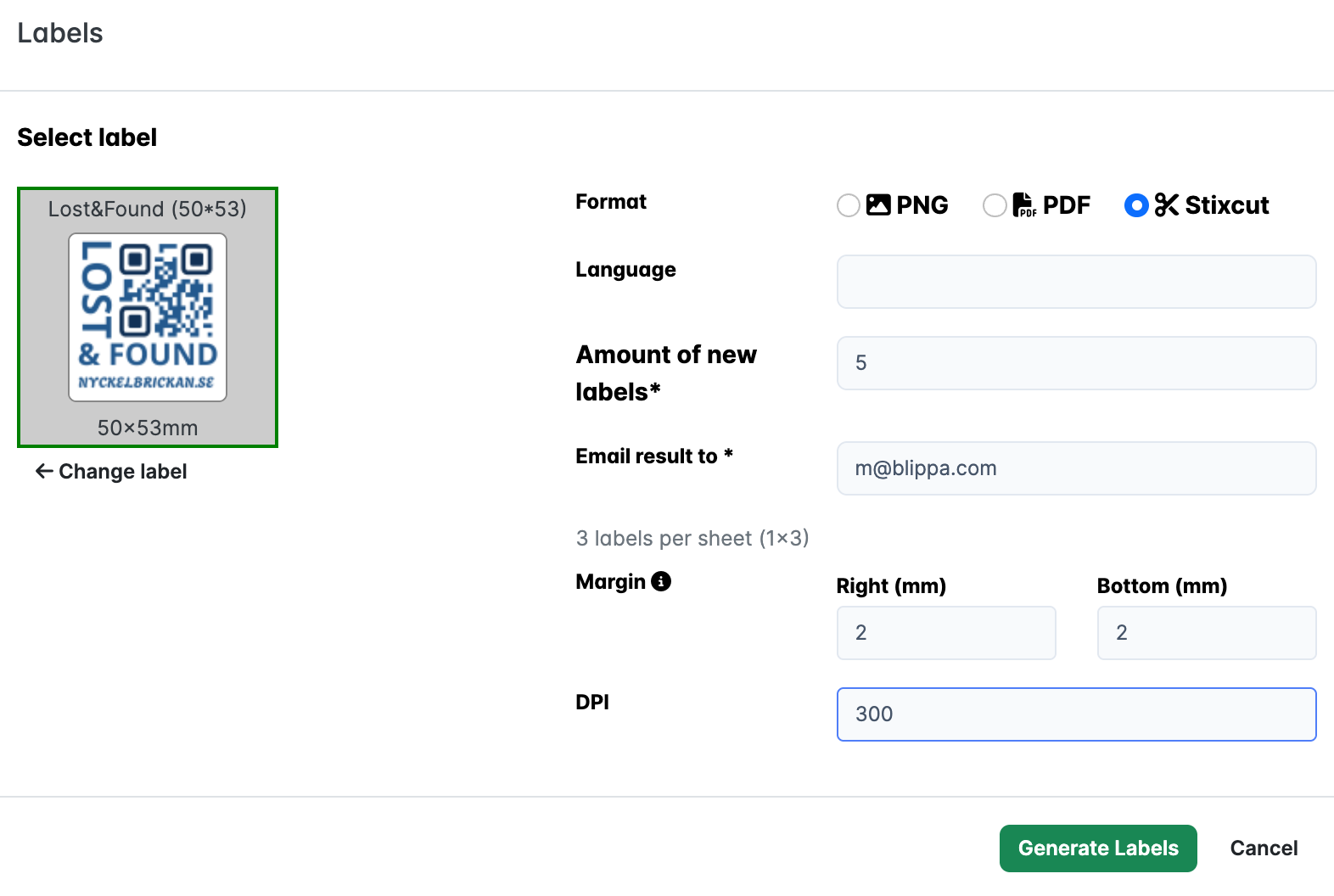
We developed an export function in Blippa that creates label files in StixCut format.
Just click on the file and it opens in Stixcut, ready to be printed!
And the best thing: You can have several QR labels on one page, automatically!
Note:
- Do not purchase the PixCut printer directly from Liene: their logistics is a mess; my order was not delivered (stuck in shipment) for 3 months… Purchase from Amazon instead.
- Use a minimum of 2mm margin.
- The stickers are OK for indoor use.
- The stickers are paper-based, not vinyl. This makes it difficult to remove the stickers.
- The green line will be the cut-trough. In Stixcut, make sure to have ample space; do not put the green line close to any edge, especially at the top.