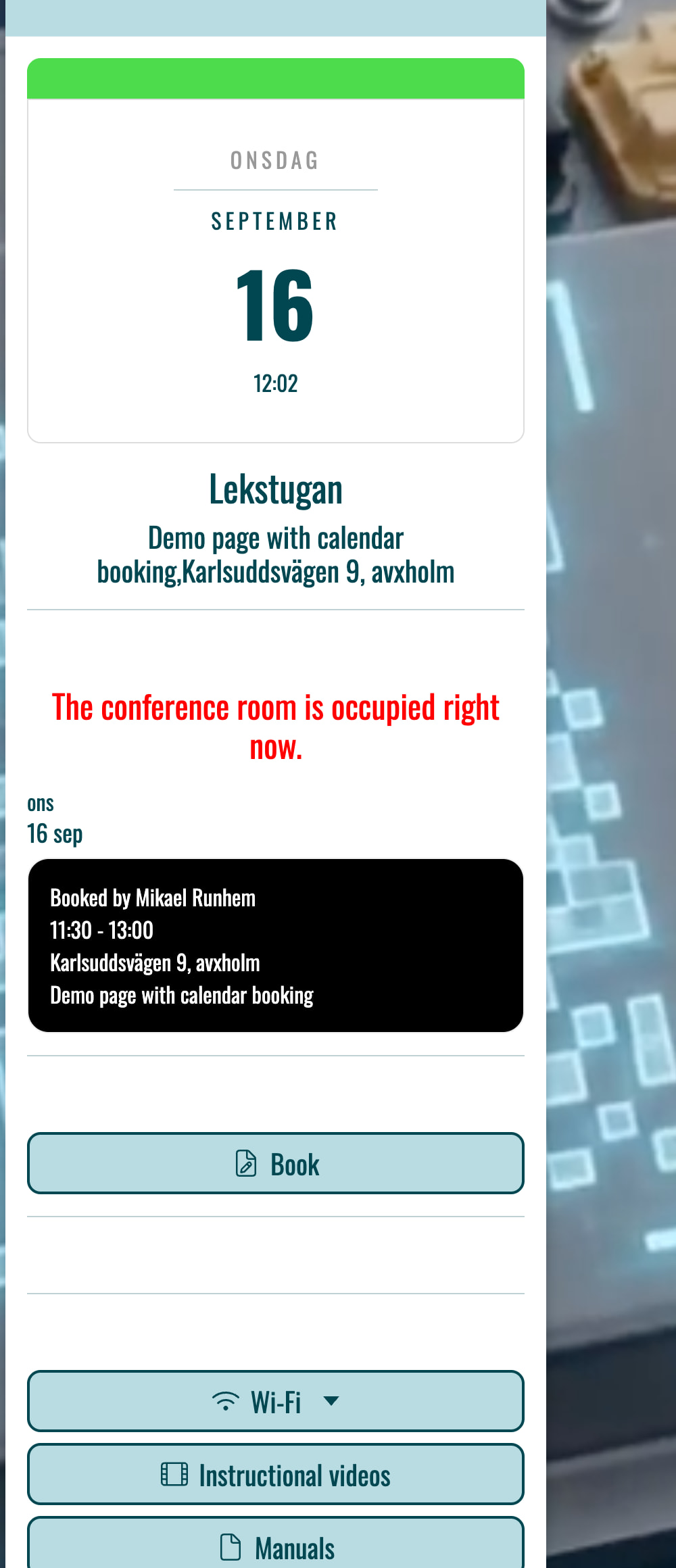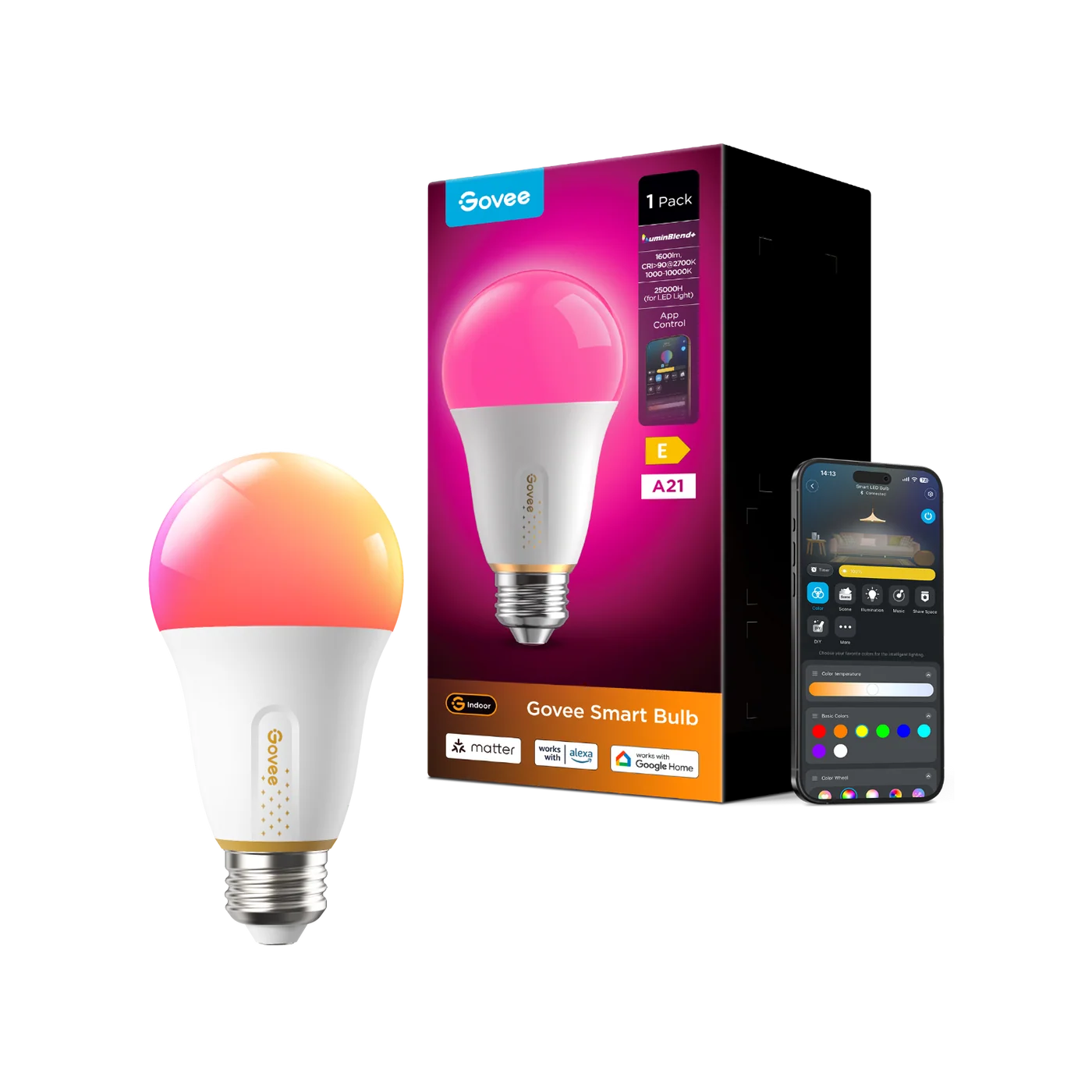
Yesterday, we made a hack that makes LED lamps show different colours using Blippa forms and calendars.
Primarily for applications like conference rooms, showing green for free, red for occupied, etc.
In Form, you now have a new Action: Govee Light
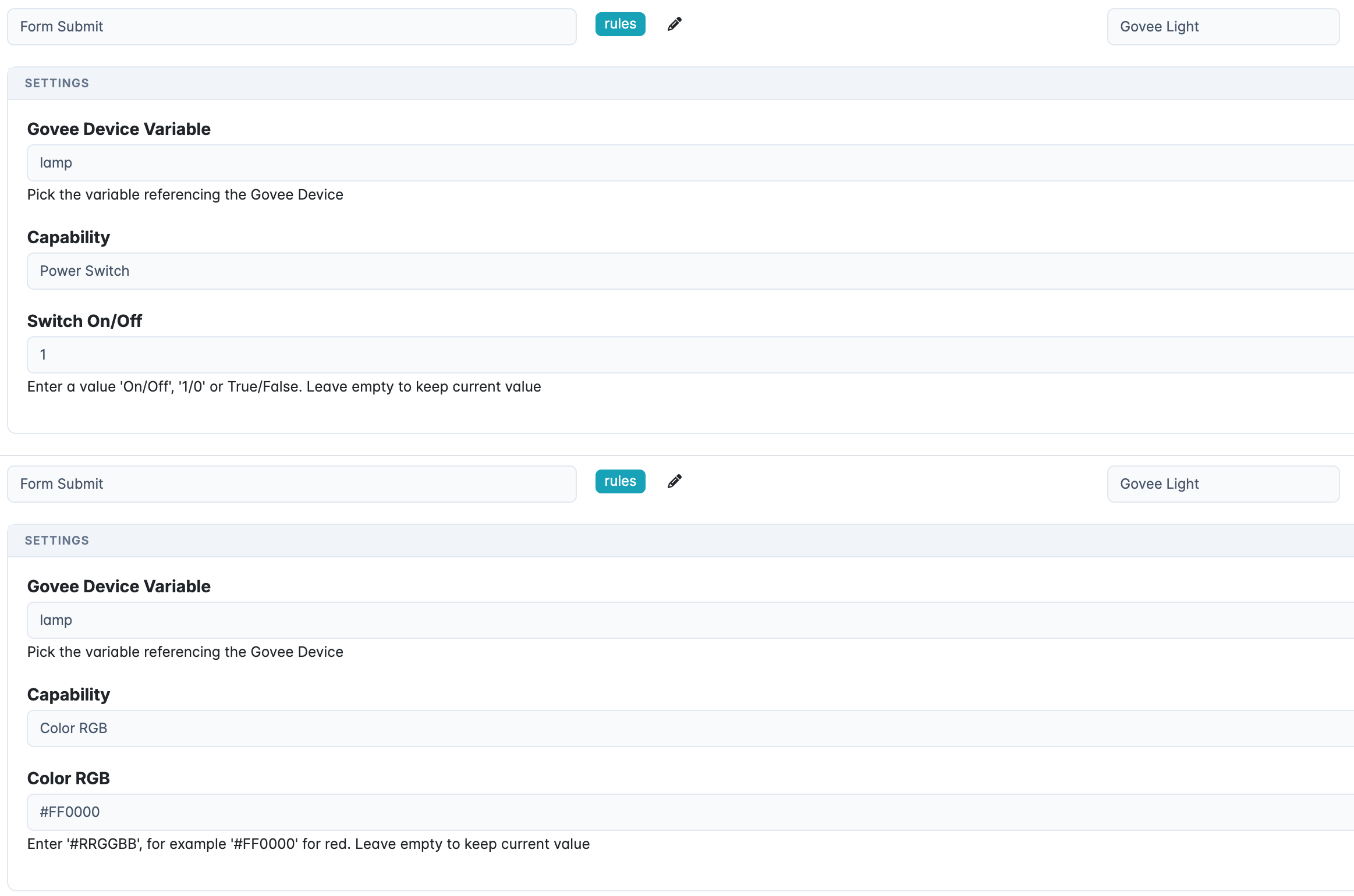
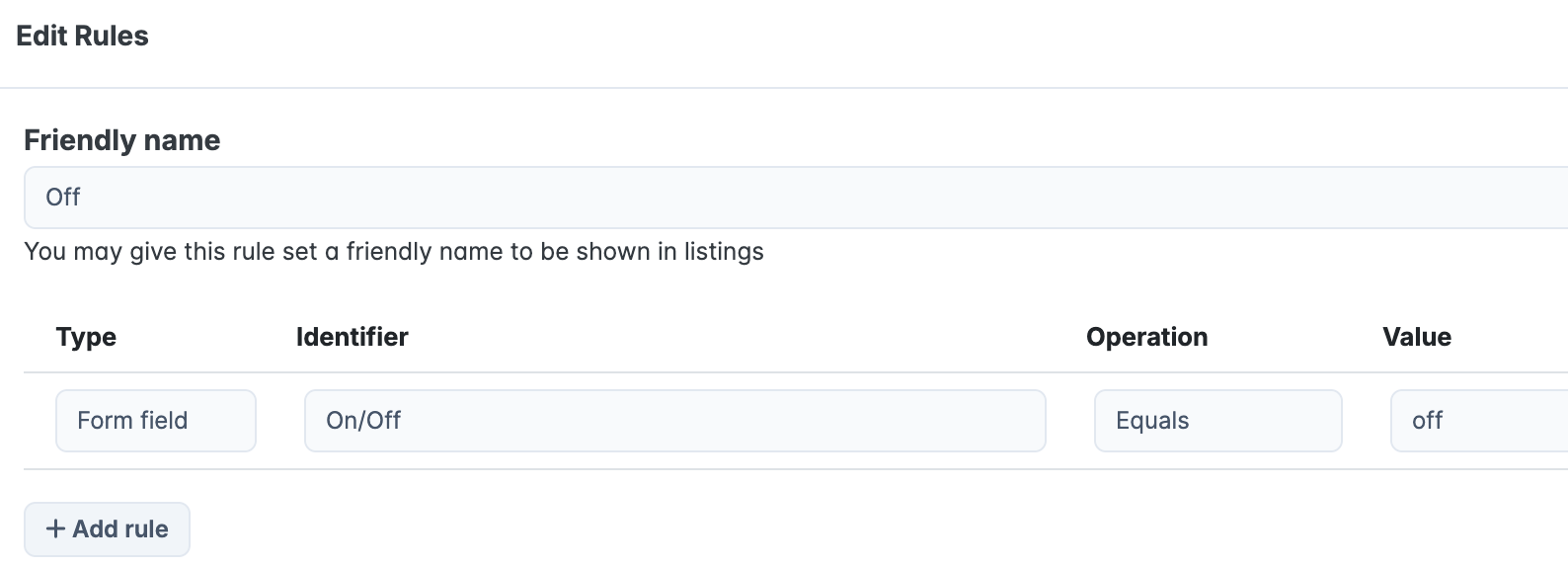
Use rules to separate different actions:
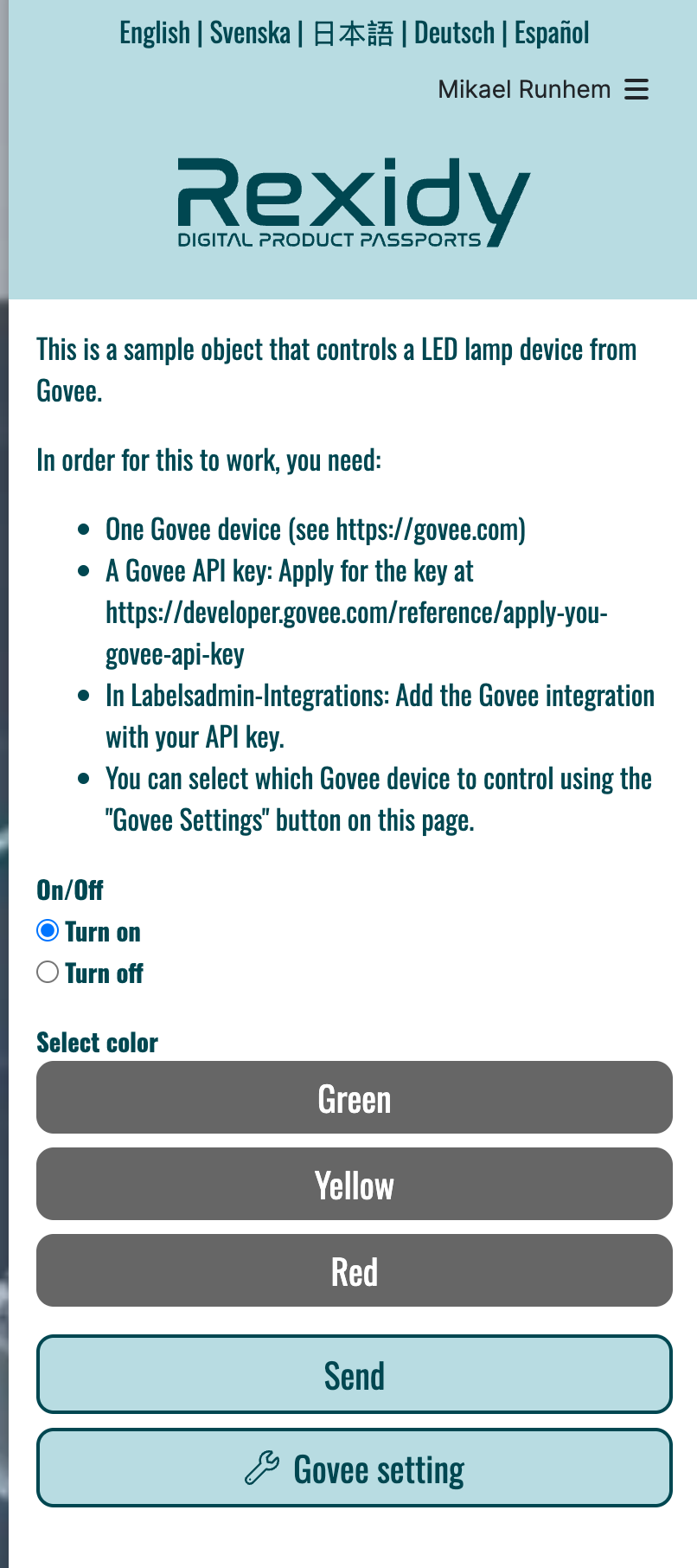
I have made a sample object for you to try, in Labelsadmin-objects, create a new object and select the Marketplace tab.
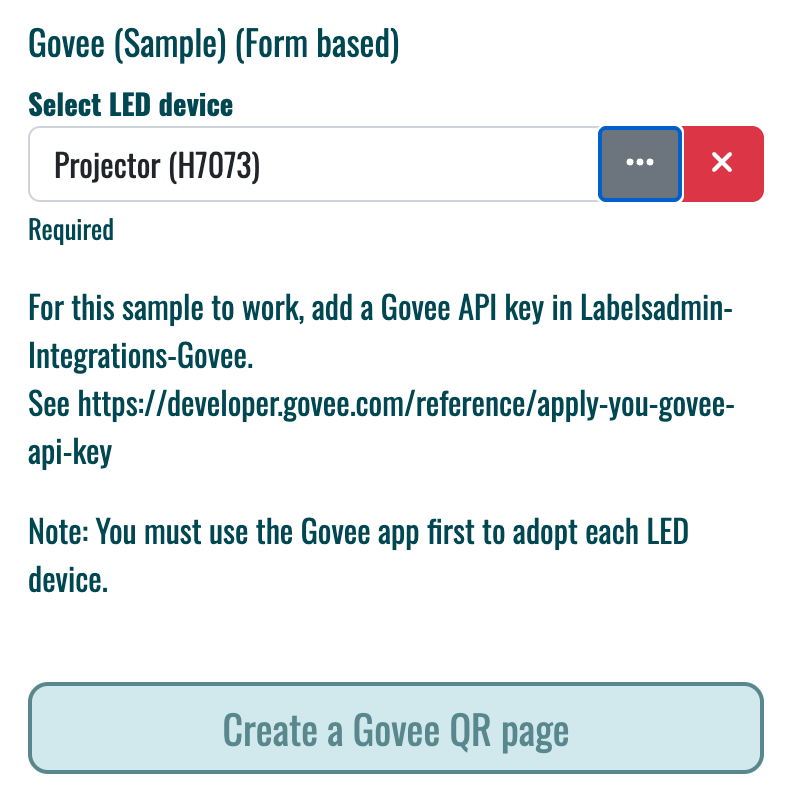
Note: The Govee API is not allowed for commercial use; contact Govee directly for such applications.