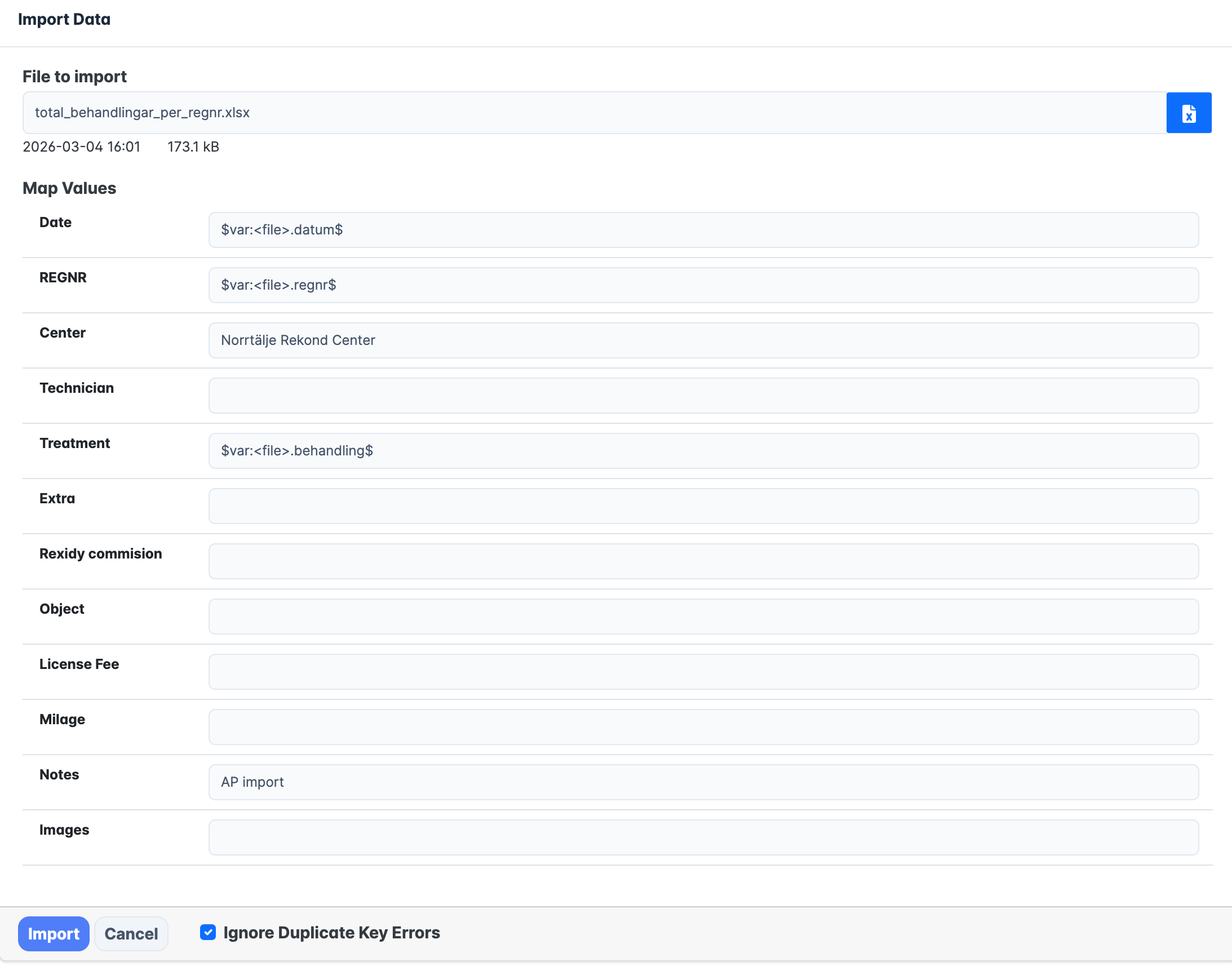
You can now import data to a (native) Blippa Data Source.
You will find the new Import button at the lower right corner after you open your Blippa Data Source.
The Import feature allows you to map your data with your data source column names (using variables).
Note: If you select the “Ignore Duplicate Key Errors” the import will just skip the errors and continue.