When presenting a product, like in a Digital Product Passport (DPP), it is common to show multiple images and let the user scroll/swipe between them.
In Blippa, you can only set one object image, not multiple.
Solution:
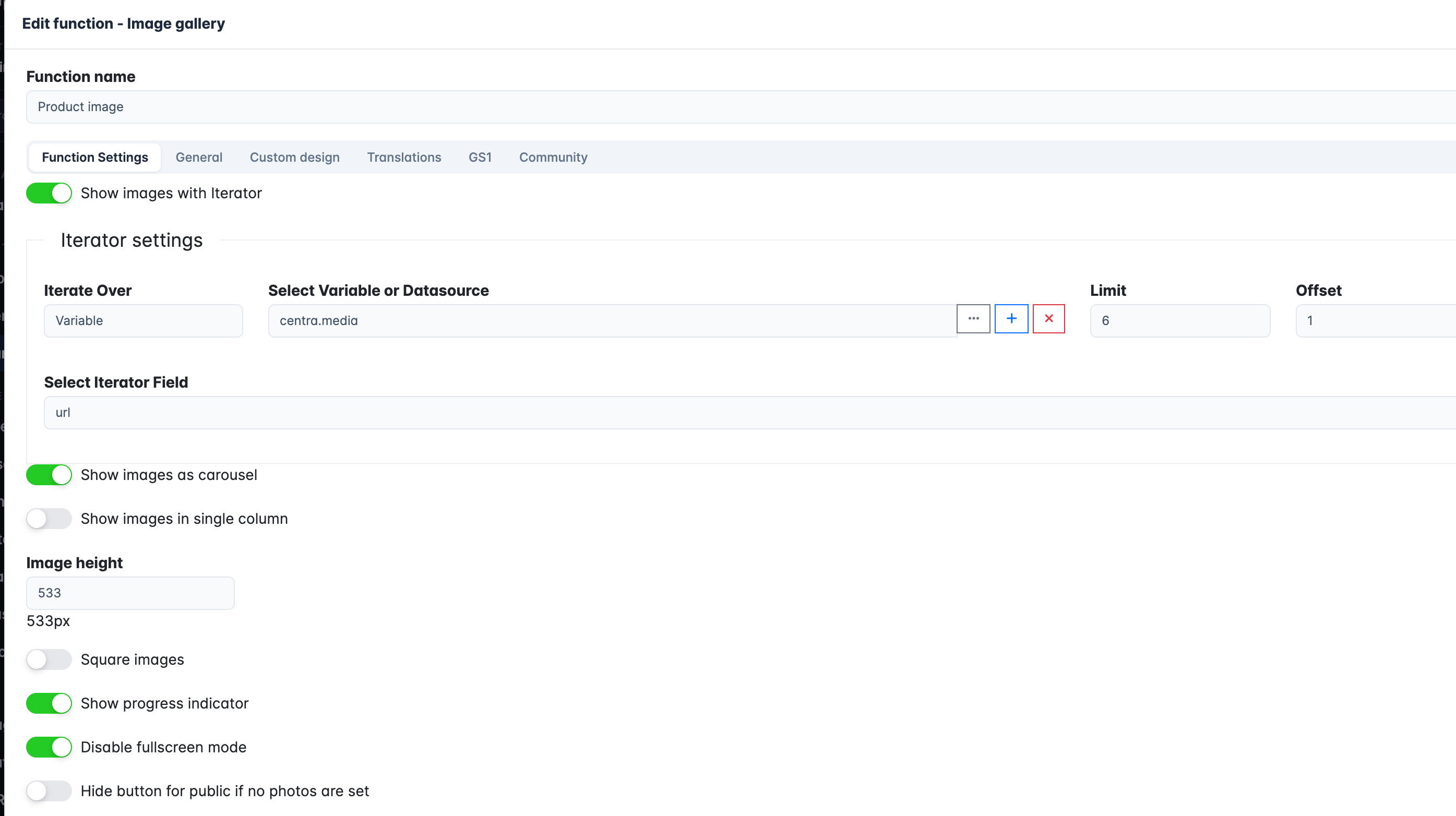
Skip (or hide) the object picture and use the function “Image Gallery” instead.
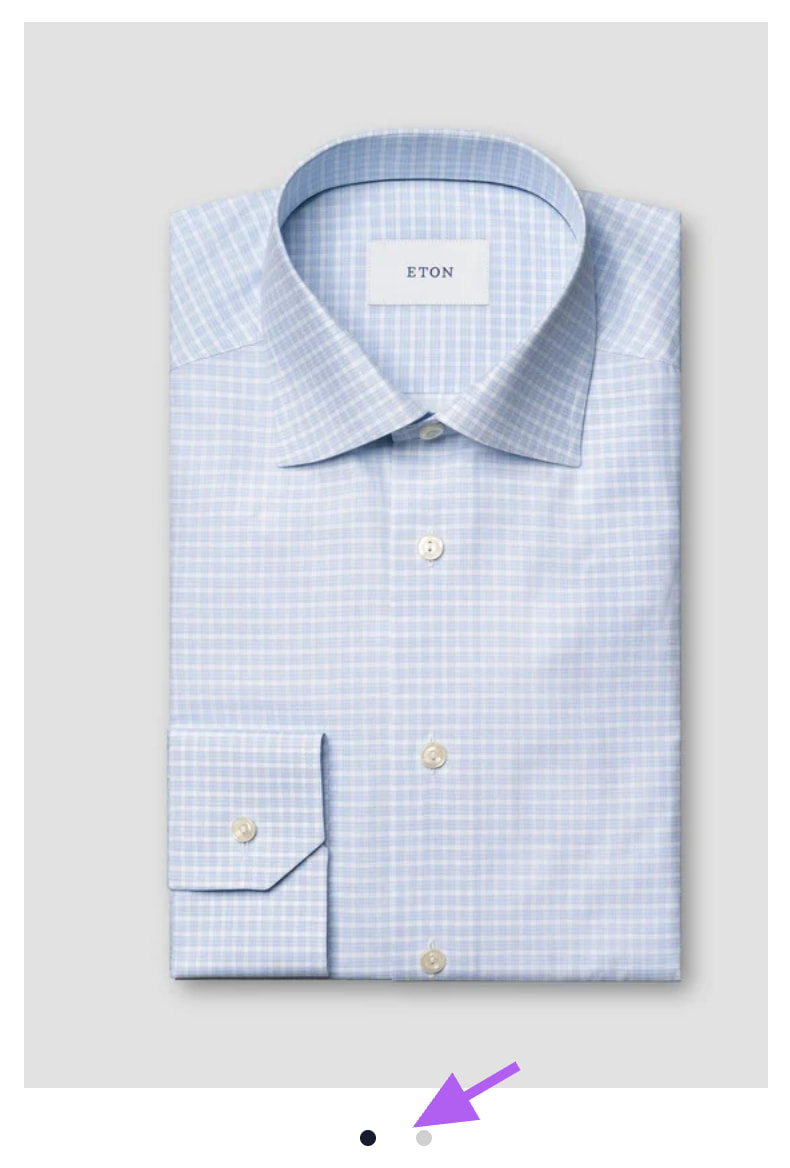
Put the function at the top and it will look like a regular object image. But with the option to swipe for more pictures.
Function settings:
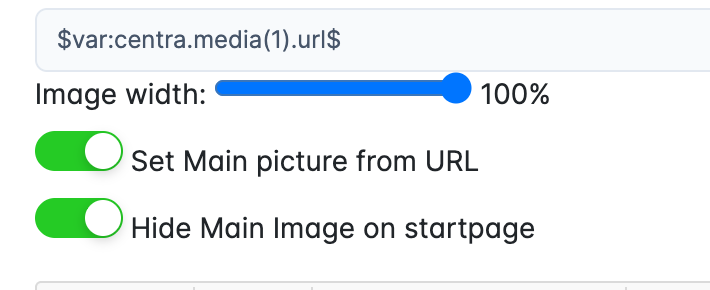
Note: It is good practise to have an object picture anyway, for use in search, views, lists etc. Just hide it (in the object setting or in the template that creates the objects):