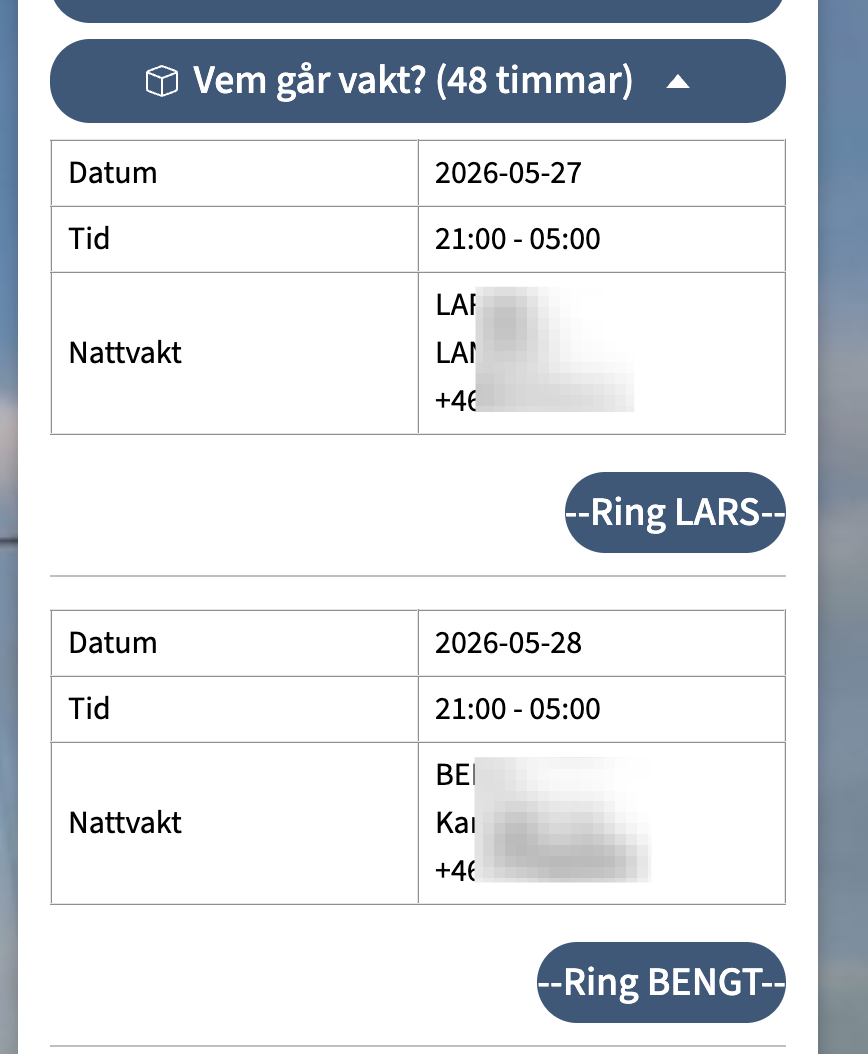
Use case: An uploaded Excel file contains a list of all nightwatch people. And the Blippa customer wanted to show these names and contact details for the upcoming 48 hours.
Problem: In the Excel file, all columns were made as plain text (string). The date column was not in datetime format.
Solution: We added some code that transforms a regular text string into a Date format.
This is done by, in the Datasource setting, adding a new Computed Field. In this case we named it Date:
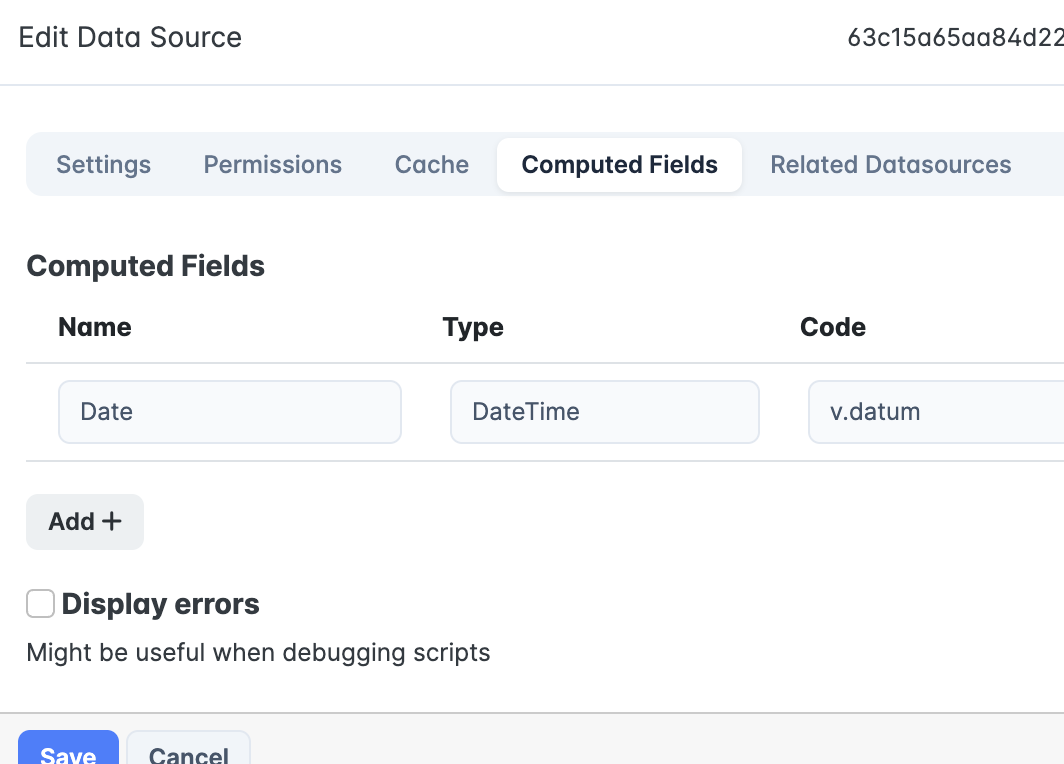
(Note: The column for the date in the file is named Datum, hence the v.datum)
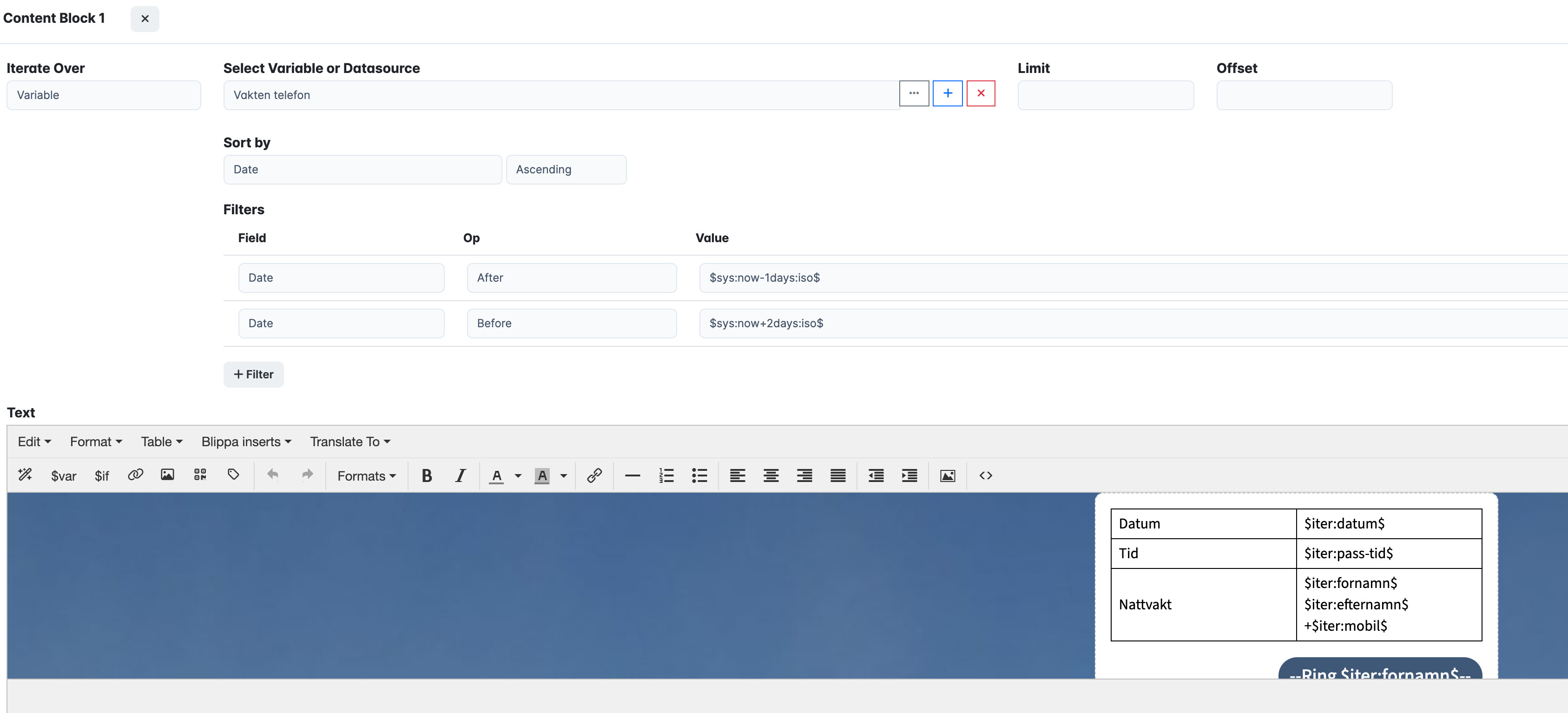
…Then, we could use this data in a Block function, using the iterate option:
The result (contact details are blurred):