Blippa was not built as a full web content management system (CMS).
It was built for creating billions of individual pages, accessible though QR, NFC or GEO positioning.
But, Blippa is now being used in applications like tourist systems…
And, therefore there is a need to make the Blippa pages (objects) visible in Google Search.
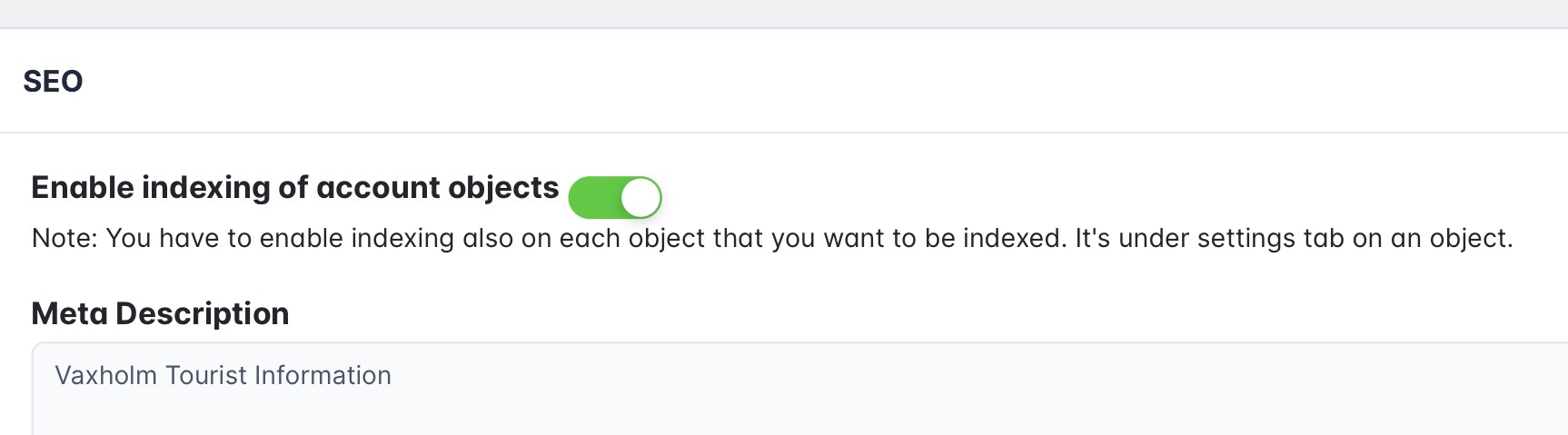
First, in Labelsadmin-Private Domain, enable SEO:
Then, go to Google Search Console
Add your (Blippa) site in the upper left corner menu.
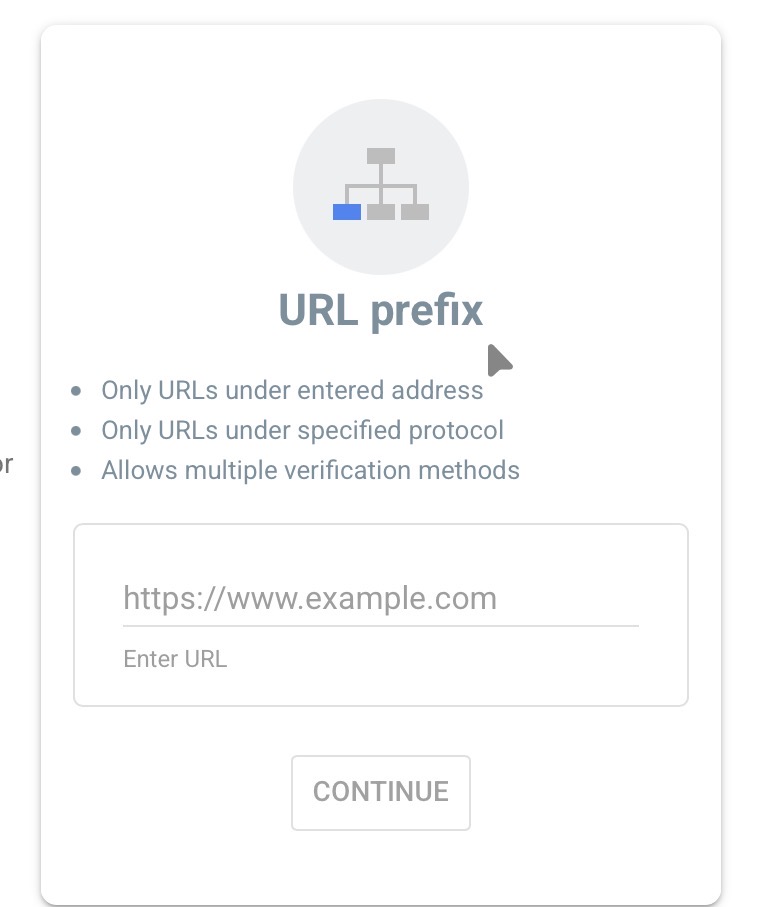
Use the URL Prefix method;
- Download the verification html file.
- Create a Blippa object.
- Add the name of the verification file as the Friendly URL Name (including the .html ending)
- Select Redirect, Redirect to static file and upload the google file.
Save and verify in the Google Seach Console.